Bukku review: cloud accounting for Malaysian SMEs
Tuesday, 29 September 2026
· by Admin
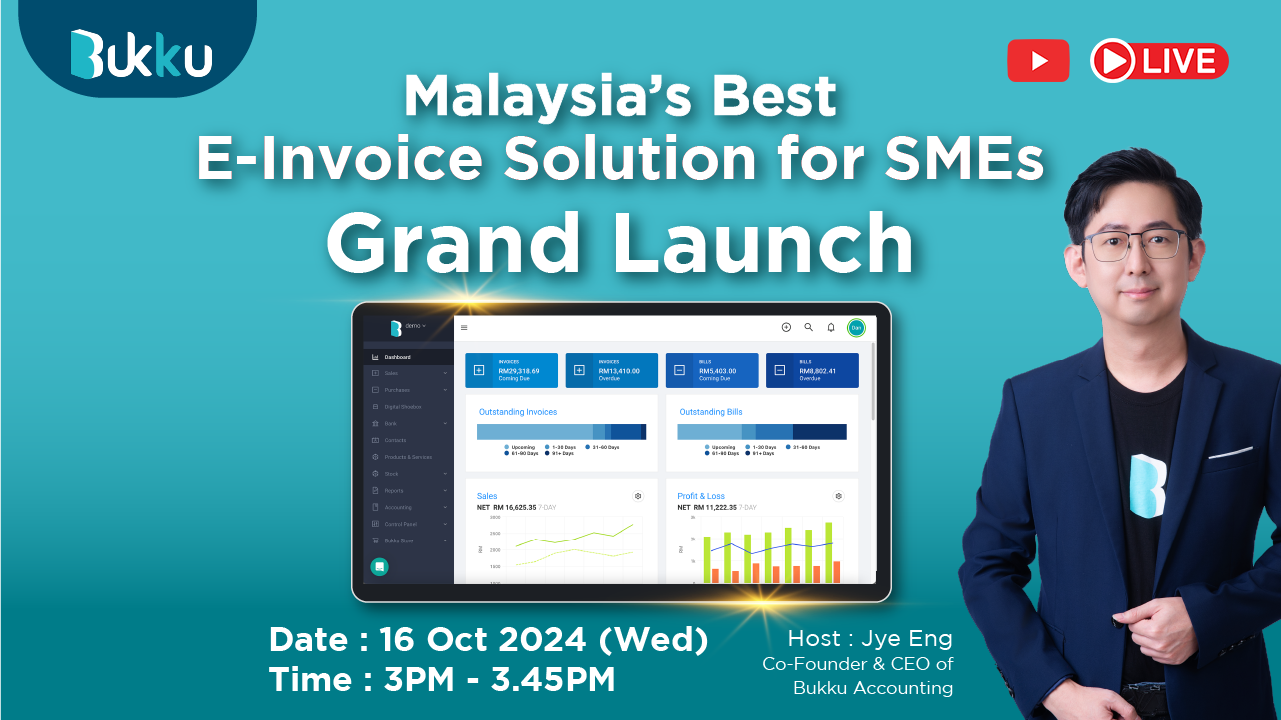
Bukku is a Malaysian cloud accounting software built for small and medium enterprises (SMEs), freelancers and accounting firms. It covers the everyday money tasks of a business, such as invoicing, expenses, bank reconciliation and financial reports, in a simple web-based system. With LHDN e-Invoicing being rolled out in phases, many Malaysian businesses are now looking for accounting software that is ready for it. We used Bukku to run the books of a small service business for a month.
Overview
- Origin: Malaysia
- Category: Cloud accounting, SME SaaS
- Platforms: Web browser, accessible from laptop, tablet or phone
- Best for: SMEs, startups, freelancers and accounting firms
- Pricing: Subscription plans, with a free trial to test it first
Key features
- Sales and invoicing: create quotations, sales orders, invoices, credit notes and receipts, and send them to customers by email.
- LHDN e-Invoice (MyInvois) support: submit e-Invoices to LHDN directly from Bukku, and track their validation status.
- Purchases and expenses: record bills, supplier payments and expenses, and attach receipts for reference.
- Bank reconciliation: import bank statements and match them with your records to make sure every ringgit is accounted for.
- SST handling: apply Sales and Service Tax to transactions and see tax amounts clearly in reports.
- Inventory: track stock items, quantities and cost of goods sold for product-based businesses.
- Multi-currency: invoice and record transactions in foreign currencies.
- Financial reports: profit and loss, balance sheet, cash flow, aged receivables and payables, and more.
- Team and accountant access: invite staff and your accountant with different permission levels.
The tech behind it
Bukku is fully cloud-based, so there is nothing to install and your data is always backed up online. You and your accountant can work on the same up-to-date records at the same time, instead of sending files back and forth. For e-Invoicing, Bukku connects with the LHDN MyInvois system, so invoices can be submitted and validated without using a separate portal. Data is accessed through secure logins, and user permissions control who can view or edit sensitive financial information.
How to use it
- Sign up for a free trial and enter your company details.
- Set up your chart of accounts, tax settings and opening balances.
- Add your customers, suppliers and products or services.
- Start creating invoices and recording expenses as you do business.
- Connect your e-Invoice settings to submit invoices to LHDN.
- Reconcile your bank statement each month and review your reports.
- Invite your accountant to review your books at year end.
Benefits
- Compliance ready: built-in e-Invoice and SST support helps businesses meet Malaysian requirements.
- Saves time: invoices, reminders and reconciliation are much faster than spreadsheets.
- Clear picture of your business: real-time reports show profit, cash and who owes you money.
- Better teamwork: owners, staff and accountants work on the same data.
- Professional image: clean, branded invoices look good to customers.
- Access anywhere: check your finances from any device with a browser.
Who is it for?
Bukku is ideal for Malaysian SMEs that are moving away from spreadsheets or manual bookkeeping, and for businesses preparing for e-Invoicing. Freelancers and small agencies will appreciate the quick invoicing, while accounting firms can manage multiple clients in one place.
What we liked
- Friendly interface that makes sense even if you are not an accountant.
- Quick invoicing, quotations and payment tracking.
- e-Invoice submission to LHDN is built in, with no separate portal needed.
- Bank reconciliation made month-end much faster.
- Easy to invite our accountant and share access.
What could be better
- Larger businesses with complex needs, such as manufacturing, may want more advanced features.
- Moving over old records from another system takes some effort.
- Users with no accounting background may need some time to learn basic concepts like chart of accounts.
- Some advanced features are only available on higher plans.
Tips for new users
- Ask your accountant to help set up the chart of accounts and opening balances correctly.
- Reconcile your bank account every month, not only at year end.
- Customise your invoice template with your logo and payment details.
- Check which e-Invoice phase applies to your business so you are ready on time.
Verdict: 4.5/5. Bukku is one of the easiest ways for Malaysian SMEs to go digital with their accounting. It is simple, built for local needs and ready for e-Invoicing, making it a strong choice for small businesses that want to stay compliant without the headache.
Similar apps you can try
- SQL Account: a well-known Malaysian accounting software used by many SMEs and accounting firms, with local tax and e-Invoice support.
- AutoCount Accounting: a popular Malaysian accounting software with strong inventory features, suited for trading and distribution businesses.
- Financio: a Malaysian cloud accounting software for SMEs, with online invoicing and financial reports.
- Xero: a global cloud accounting platform with many third-party integrations, good for businesses that work with overseas partners.
- QuickBooks Online: a widely used global accounting software with invoicing, expenses and reporting for small businesses.